Today
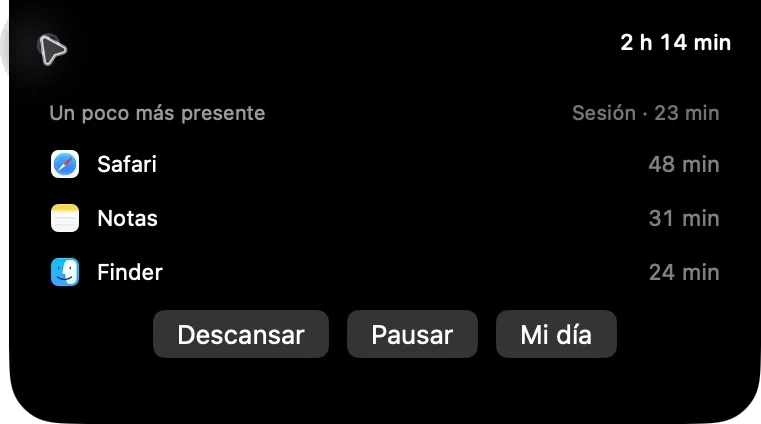
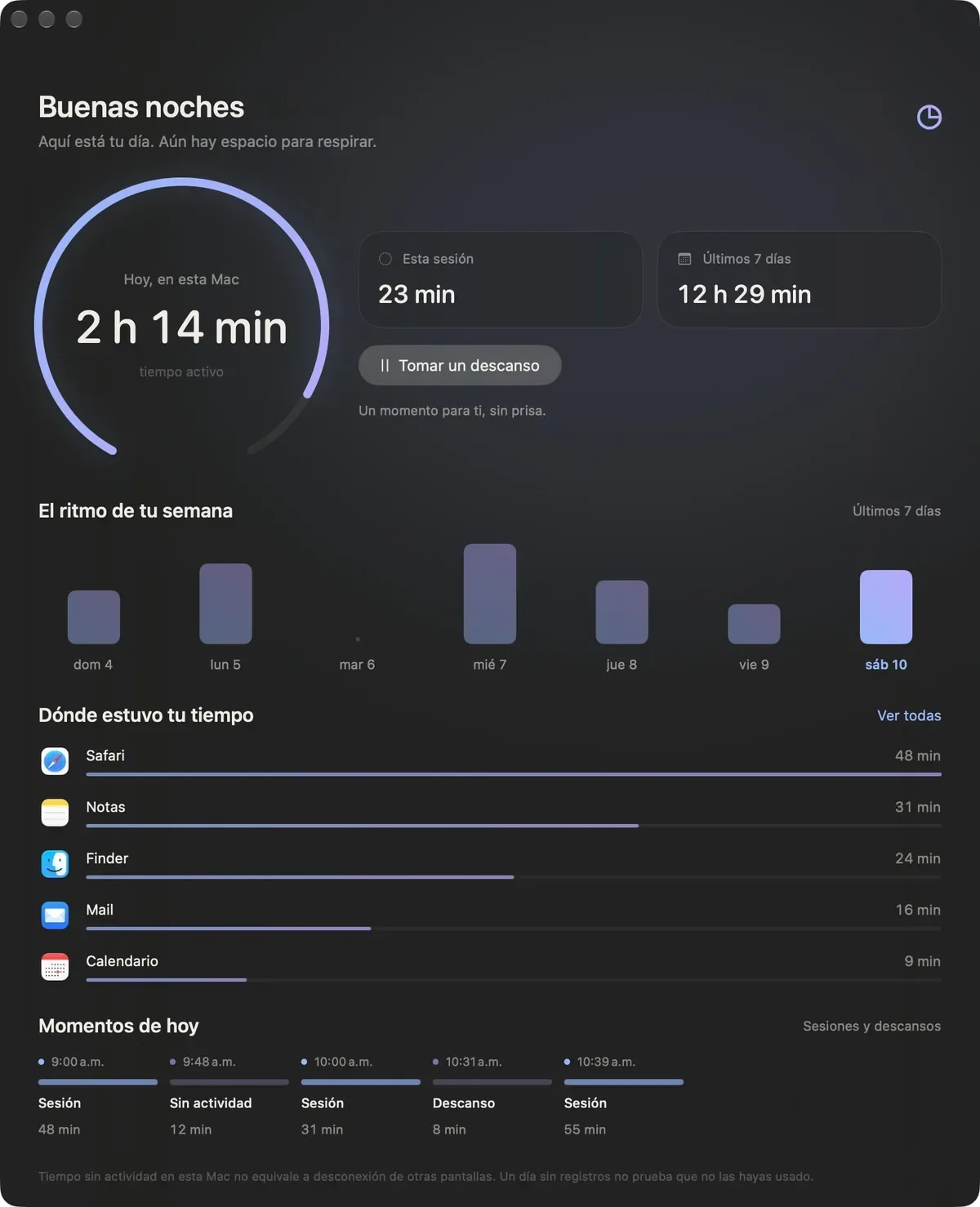
Active time for today.
 sereno
A menu-bar app that shows, without judgment, how long you’ve been at your Mac.
Signed, not notarized. Open Sereno, then go to System Settings > Privacy & Security and click Open Anyway.

There you choose one of the recent days and see that day’s apps and sessions.
You pick one, and the notch shows only that number.
Active time for today.
Length of this session.
Until the soft reminder.

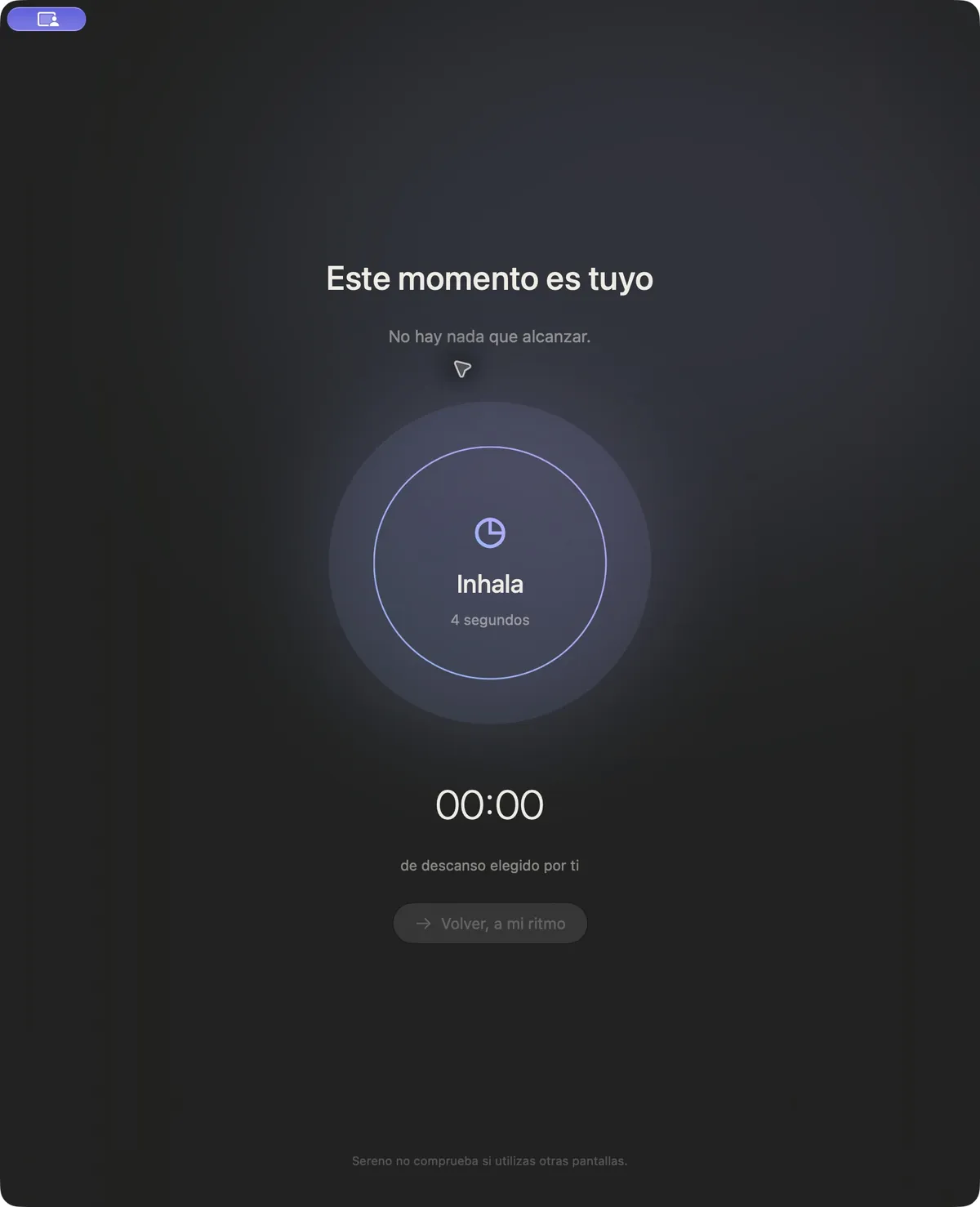
Idle time on this Mac is not the same as time away from every screen.
Inhale for 4 seconds, exhale for 6.
Not a break: it records nothing.
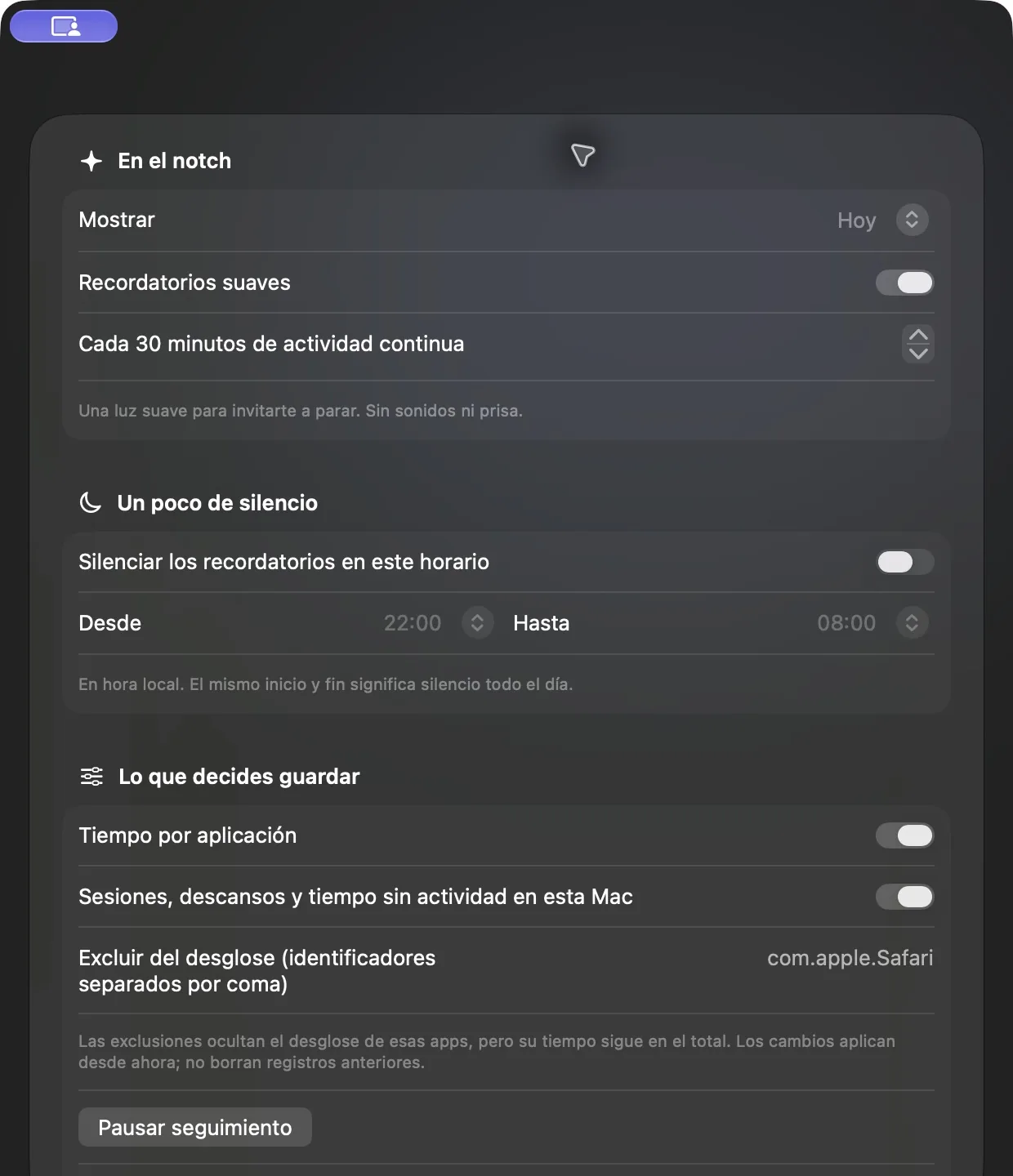
The notch, the soft reminder, and quiet hours.
The first 120 seconds without interaction do count. It does not add time if the screen is asleep, the system is asleep, the session is locked, or more than 120 seconds pass.
A soft halo, with no sound, after 5 to 180 minutes of continuous activity. You can turn it off. Quiet hours use local time and can cross midnight.
Take a break does not add active time even if you keep using the Mac, and it does not check other screens. Pause tracking remains after you quit and open Sereno again. Resume starts a new session.
Everything stays on this Mac. The JSON diaries are not encrypted: time, apps, sessions, and breaks, with no window titles, URLs, keystrokes, or clipboard. No account and no analytics. The only connection is checking for updates, once a day, and it asks before installing.
It stays in the menu bar. With the notch it opens Today and week, Preferences, Take a break, and Pause tracking. Hiding it does not stop measurement.
Excluding an app removes it from the breakdown: it still counts in the total and does not erase what was already counted. Delete asks for confirmation, removes the diaries, and keeps preferences. No scores or streaks.
No. Only this Mac.